
You finished building your course. Modules are done, quizzes are in place, content looks good. Now what?
You need a way to collect payments and deliver access to buyers. The platforms below handle both. Your job is picking the right one and connecting your course.
---
What You Can Export
Before choosing a platform, know your export options:
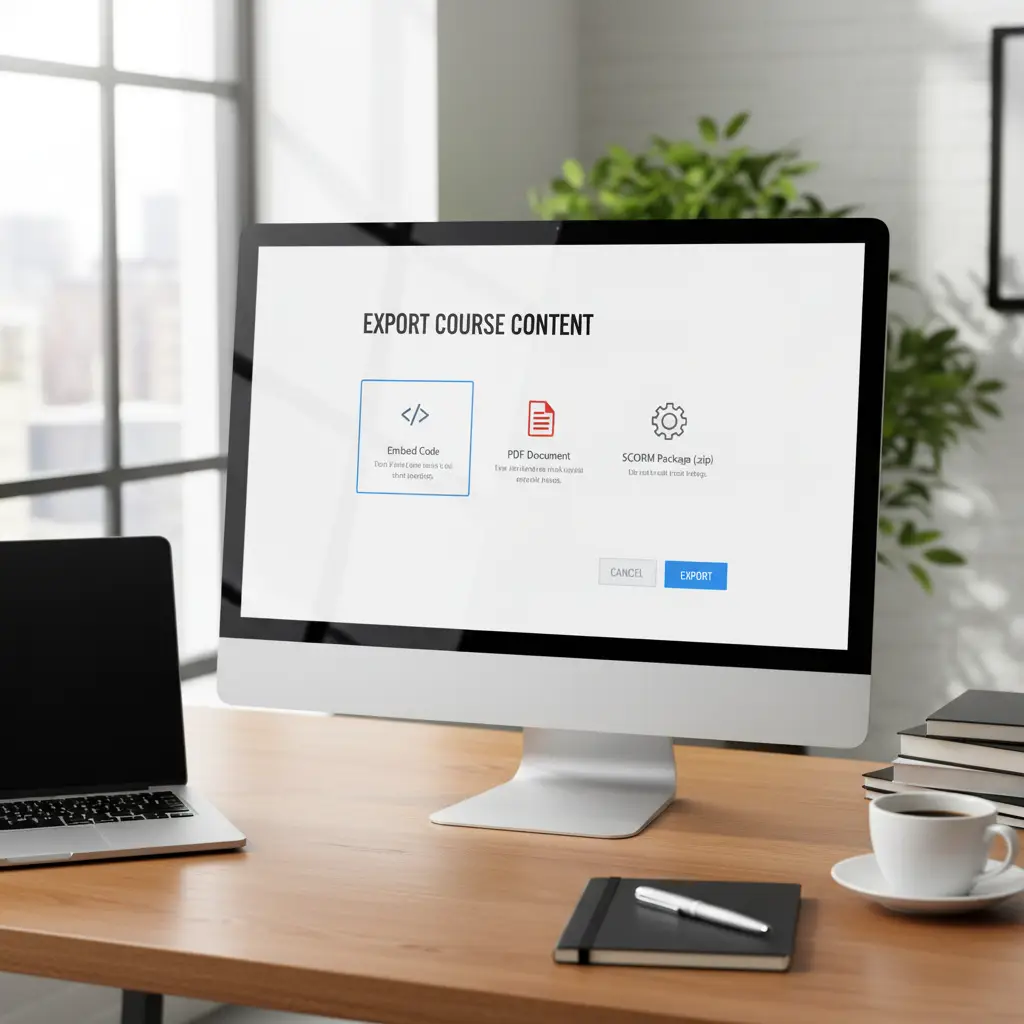
Embed Code An HTML snippet you paste into any website or membership platform. The course loads in an iframe, so learners take it directly on that page. Works well with Kiwify, your own site, or any platform that accepts custom HTML.
PDF A downloadable document version of your course. Buyers get a file they can read offline or print. Gumroad handles PDF delivery automatically.
SCORM Package A zip file that works with Learning Management Systems like Moodle, Canvas, or TalentLMS. The LMS tracks completion, quiz scores, and time spent. Good for selling to companies or universities.
Each platform works better with certain export types. The sections below explain which to use.
---
Gumroad
Gumroad is a marketplace for digital products. No monthly fees. You create a product, set a price, and they handle payments. They take 10% of each sale.
What works on Gumroad
PDF courses — Upload your exported PDF. Buyers download it after purchase.
Course access via link — Create a product that redirects buyers to your hosted course page (where you've embedded your course).
Bundles — Combine PDFs, videos, and course access into one product.
Setup overview
1. Create a Gumroad account 2. Click "New Product" and choose "Digital Product" 3. For PDF: upload the file directly 4. For course access: add a "Content" section with the link to your embedded course page 5. Set your price 6. Publish and share your Gumroad link

Fee math
- $29 course = $2.90 fee (you keep $26.10)
- $99 course = $9.90 fee (you keep $89.10)
- $199 course = $19.90 fee (you keep $179.10)
Why Gumroad
- No upfront cost
- Built-in audience through Gumroad Discover
- Clean checkout
- Supports subscriptions
- Embed your store on any website
Kiwify
Kiwify is a Brazilian platform with high conversion rates. Millions of buyers already have payment methods saved, so checkout is fast. If you're selling to Brazilian audiences, this is probably your best option.
What works on Kiwify
Embedded courses — Paste your embed code directly into Kiwify's membership area. Buyers get access after purchase.
Memberships — Charge monthly or one-time.
Setup overview
1. Create an account at Kiwify 2. Create a product and set up a membership area 3. In LearningStudioAI, go to Share → Embed and copy the HTML code 4. In Kiwify's editor, add an HTML block and paste 5. Configure pricing 6. Publish
We have a complete walkthrough in Portuguese: Como Publicar e Vender Seu Curso no Kiwify.
Why Kiwify
- 1-click checkout
- PIX and boleto support
- Built-in affiliate program
- Mobile app for students
- Strong in the Brazilian market

---
Teachable
Teachable is a full course platform. Unlike Gumroad (a marketplace) or Kiwify (a checkout system), Teachable provides everything: course hosting, student accounts, progress tracking, and certificates.
What works on Teachable
Embedded content — Use Teachable's text blocks to embed your course via iframe.
SCORM packages — Teachable supports SCORM imports on higher-tier plans.
Native courses — Build your course directly in Teachable using your existing content.
Setup overview (embedding)
1. Create a Teachable school and add a new course 2. Add a "Text" block in a lesson 3. Switch to HTML mode and paste your embed code 4. Students see your course embedded within Teachable
Pricing
- Free plan: $0/month + 10% + $1 per transaction
- Basic plan: $59/month + 5% transaction fee
- Pro plan: $159/month + 0% transaction fee
Why Teachable
- Course player with progress tracking
- Built-in email marketing
- Student accounts and certificates
- Upsells and order bumps
- Custom domain
---
Your Own Website
If you already have a website (WordPress, Squarespace, Webflow, etc.), you can embed your course directly and handle payments separately.
Setup
1. Export the embed code from LearningStudioAI 2. Add an HTML block to your page 3. Paste the code
Payment options
You'll need something to handle purchases:
- Stripe — Add a payment button that unlocks the course page
- PayPal — Similar approach
- MemberPress (WordPress) — Membership site functionality
- Memberstack (Webflow) — Paywall pages behind login
---
LMS Platforms (SCORM)
Companies and universities often have existing Learning Management Systems. They want content that integrates with what they already use.
What to deliver
Export your course as SCORM. Version 1.2 works with the most systems. Version 2004 offers more tracking features.
How it works
1. Export SCORM from LearningStudioAI 2. Deliver the zip file to your client 3. They upload to their LMS 4. The LMS handles tracking
Pricing SCORM sales
Corporate sales work differently than consumer sales:
- Per-seat licensing — Charge per learner (e.g., $15/person for 500 employees)
- Flat fee — One price for unlimited use within an organization
- Annual licensing — Recurring revenue
---
Comparison Table
| Platform | Best For | Export Type | Fees |
|---|---|---|---|
| Gumroad | Simple sales, global audience | PDF, links | 10% per sale |
| Kiwify | Brazilian market | Embed | Varies |
| Teachable | Course business | Embed, SCORM | $0-159/mo + fees |
| Your website | Full control | Embed | Payment processor fees |
| SCORM/LMS | Corporate, education | SCORM | Custom pricing |
Which One Should You Use?
Starting out? Gumroad. No risk, no upfront cost. See if anyone buys before investing in a platform.
Brazilian audience? Kiwify. The 1-click checkout makes a measurable difference in conversions.
Building a course business? Teachable. Worth the monthly fee for the professional experience and student management.
Have existing traffic? Your own website with Stripe. Keep everything under your brand.
Selling to companies? SCORM with custom pricing. Larger deals, longer sales cycles, but higher revenue per sale.
---
Pricing Your Course
Platform fees matter more at certain price points:
Under $50 — Gumroad's 10% is fine. A $29 course means about $3 in fees.
$50-$200 — Compare Gumroad vs Teachable Basic. Run the math based on how many you expect to sell.
Over $200 — Consider Teachable Pro or your own site. Higher prices justify platform investment.
$1,000+ — Direct sales process. Personal outreach, demos, custom proposals.
Don't underprice. A course that solves a real problem can command real money. Test different price points.
---
Getting Started
Pick one platform based on your audience:
1. Export your course (PDF for Gumroad, embed for Kiwify/Teachable) 2. Create your product on the platform 3. Set a price and write a description 4. Share the link
Your first sale might come from posting on social media, emailing your list, or sharing in communities where your learners spend time.
Start with one platform. Add others later if it makes sense. The important thing is getting your course in front of buyers.
---
Frequently Asked Questions
Which platform is best for selling courses?
It depends on your audience. Gumroad works well for global audiences and simple digital products. Kiwify is best for Brazilian markets with its 1-click checkout. Teachable suits creators building a course business who need student management and certificates.
Can I sell my course on multiple platforms?
Yes. You can export your course in different formats (PDF, embed, SCORM) and sell on multiple platforms simultaneously. Many creators sell PDFs on Gumroad while also offering embedded access through their own website.
How much should I charge for my online course?
Price based on the value you provide, not the length. Short courses solving specific problems often sell for $29-99. Comprehensive courses with ongoing support can command $200-500 or more. Test different price points to find what works for your audience.